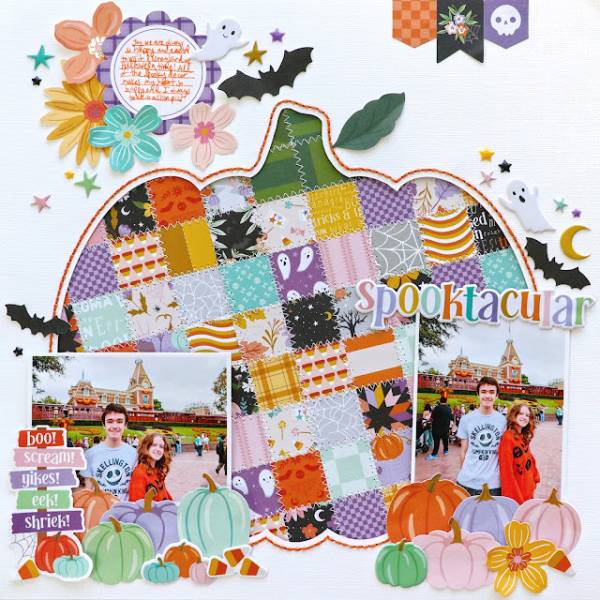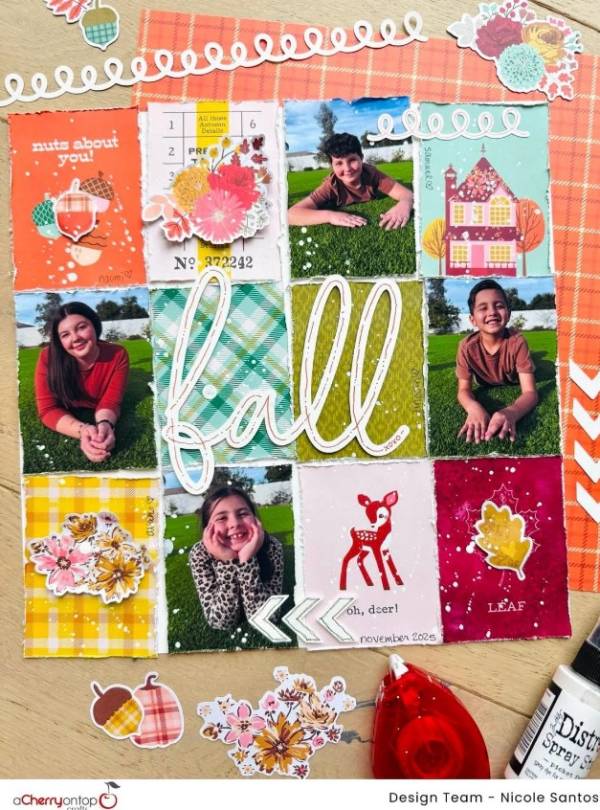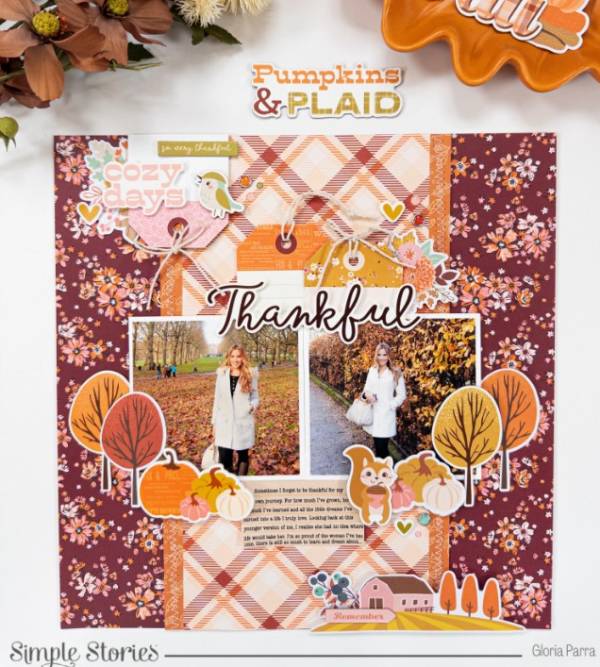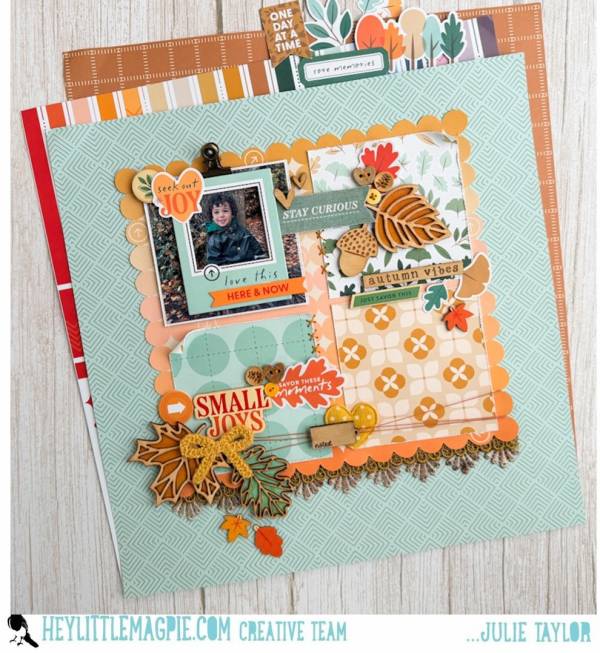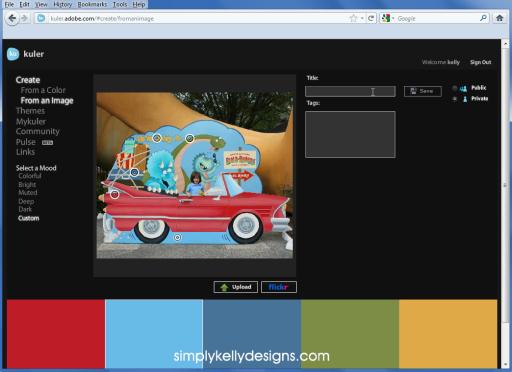
Kelly from Simply Kelly Designs shares a video tutorial showing how you can use the online tool Kuler to extract a color scheme from a photo. This is extremely useful for digital scrapbookers, or for creating color combinations for inspiration. Click here to go to the tutorial.
Trackbacks
Have you read?
FREE Dripping Font for Halloween
This dripping “Inked Blood” font is perfect for your Halloween scrapbook layouts, imagine the creepy titles and spooky journaling you can print out with this one! This FREE design comes in all capitals with thick bold letters that have drippy areas on each one to create ooky spooky designs. It’s available in TTF and OTF file types and would also be pretty easy to convert too SVG for electronic cut files as well.
Click here to visit Font Bundles to get the FREE download.
-Heather
Looking for more fonts? Check these out at FontBundles.com


[…] Tutorial | Using Kuler to Create Color Schemes – 1 freebie(s)? […]