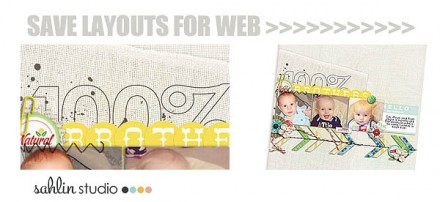
Krista Sahlin from Sahlin Studio explains how you can best save your digital scrapbook layouts for display online. She illustrates what a difference it makes by sharing before and after photos of one of her layouts. Click here to go to the tutorial.
Themes, layouts and inspirations
Krista Sahlin from Sahlin Studio explains how you can best save your digital scrapbook layouts for display online. She illustrates what a difference it makes by sharing before and after photos of one of her layouts. Click here to go to the tutorial.
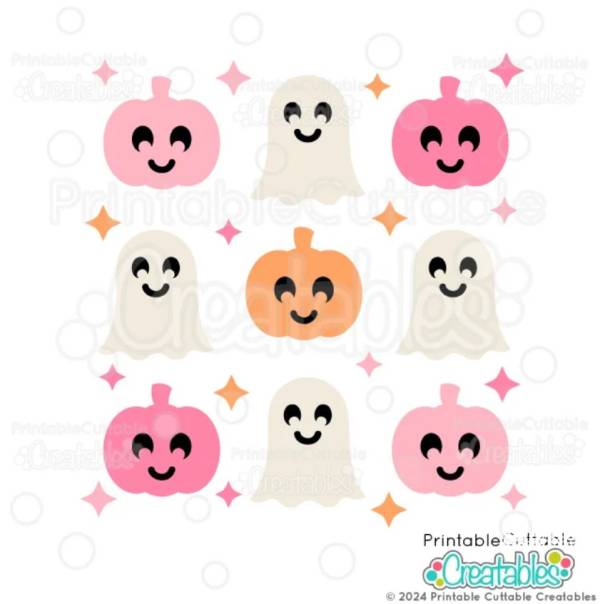
Cute instead of creepy is really in for Halloween this year! This darling grid of happy ghosts and grinning pumpkins with tiny stars in white, pink and orange is perfect for creating cute and trendy Halloween paper crafting projects. You can either print these FREE images as is in a grid style for a scrapbook or card background or die cut each one out to use as sweet embellishments and accents on your projects.
Click here to visit Printable Cutable Creatables to get it for yourself.
-Heather
Shop Halloween supplies at A Cherry on Top.com
That is pretty handy! I’m more of a paper scrapper, but if I ever did do digital I now know how to save web-ready layouts 🙂