• Home
  • Suggest A DIY
  • DIY Newsletter

Scrap Booking

Themes, layouts and inspirations

  • About CraftGossip
  • Our Network
    • Bath & Body Crafts
    • Candle Making Ideas
    • Crochet Ideas
    • Cross Stitch
    • Edible Crafts
    • Felting Patterns
    • Glass Art
    • Home & Garden Ideas
    • Indie Crafts
    • Jewelry Making
    • Kids Crafts
    • Knitting Patterns
    • Lesson Plans
    • Needlework
    • Party Ideas
    • Polymer Clay
    • Quilting Ideas
    • Recycled Crafts
    • Scrapbooking
    • Sewing Patterns
    • Card Making
    • DIY Weddings
    • Not Craft Ideas
  • Giveaways
  • Roundups
  • Store
  • Search

Tutorial | Sand & Water Effects on Digital Pages

September 17, 2013 by Francine Clouden

Tutorial - Creating Sand & Water Effects on Digital Pages by Bee Tree Studios

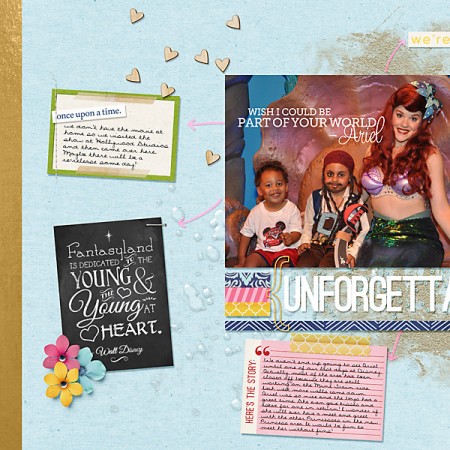
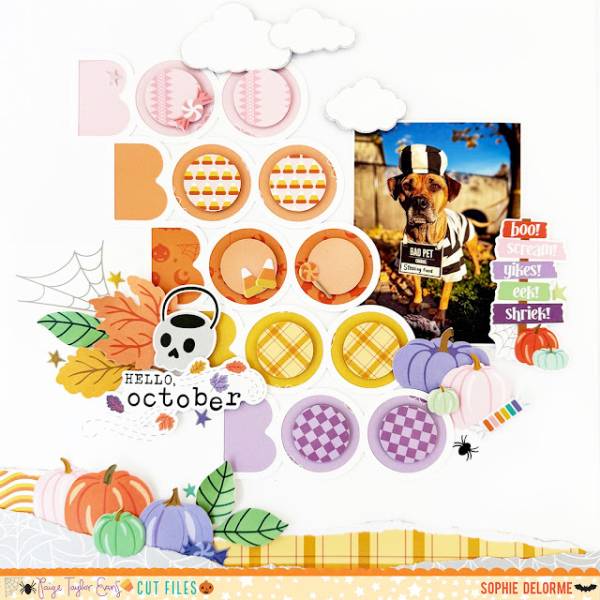
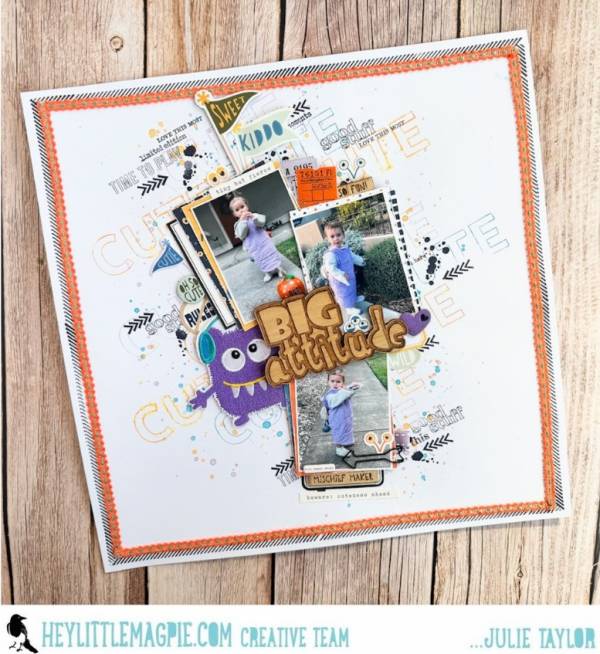
In this detailed step by step tutorial, Stephanie from Bee Tree Studios shows how you can create sand & water effects on digital pages using Photoshop Elements 11. With summer just past in the Northern hemisphere this is timely for all those beach vacation photos you plan to scrap soon! Click here to go to the tutorial.
More Ideas For You:

  • beachL1
    12 On the Beach Scrapbook Layout Ideas
  • water1
    12 Summer on the Water Scrapbook Layout Ideas
  • summerdetails1
    12 Detailed Backgrounds for Summer Scrapbook Layouts
  • tree1
    12 Christmas Tree Scrapbook Layout Ideas
«
»

Trackbacks

  1. Project Life At-A-Glance! - Bee Tree Studios says:
    September 17, 2013 at 7:51 am

    […] Lastly, CraftGossip.com featured my “More Sand and Water and How To Create It Yourself!” tutorial!  If you haven’t seen the tutorial, go check it out! You can see CraftGossip.com’s write up here: Tutorial | Sand & Water Effects on Digital Pages. […]

  2. CraftCrave | Blog | Textual List: Wednesday, 18 Sep 2013 says:
    September 17, 2013 at 10:10 pm

    […] Tutorial | Sand & Water Effects on Digital Pages – 1 freebie(s)? […]

  3. CraftCrave | Blog | Free Handcraft Items or Tutorials (large): Wednesday, 18 Sep 2013 says:
    September 17, 2013 at 10:11 pm

    […] Tutorial | Sand & Water Effects on Digital Pages – 1 freebie(s)? […]

Have you read?

How to Make and Interactive Gate Layout

How to Make and Interactive Gate Layout

I love interactive elements on a scrapbook layout, they are so fun to create and so fun for others to play with when flipping through your album! Nathalie created this wonderful Lilypad Gate using a variety of products and techniques to go over top of a stunning outdoor photo.

How to Make and Interactive Gate Layout

The base of the two arches were die cut using rainbow shaped dies from white and green cardstocks with scored hinge flaps that adhered behind the photo. The Lilypads were created with a dry embossing folder ran through a die cut machine and then she used coordinating dies to ink blend on the beautiful colors. Inside the flaps are other elements too like another photo and a softer stenciled scene with some sentiment strips scattered all around.

Visit the Altenew blog for her tutorial.

-Heather


Explore

backgrounds Christmas Crafts Design Theory die cutting embellishments family Freebies Free Printables Holidays Inspiration - Layout Ideas Journaling News Paper Crafts Scrapbooking Themes Scrapbook Titles Techniques Tips and Tricks Tutorials Tutorials & Ideas

RSS More Articles

  • Super Simple Baby Blanket Knitting Pattern
  • DIY Wax Cord Bracelets
  • Cross Stitch Cards for All Occasions
  • Free Oven Mitt Sewing Pattern: A Fat Quarter Friendly Kitchen Gift You’ll Actually Use
  • What Does PSSO Mean In Knitting? How To Pass A Slipped Stitch Over
  • Sophie Hood Pattern Free: Knit And Crochet Hooded Scarf Patterns For The Viral Winter Look
  • Coca-Cola Foot Soak Recipe: The Viral Fizzy Foot Hack For Tired, Rough Feet
  • 3 FREE Dark Romantasy Coloring Pages
  • Needle Felted Tropical Hibiscus Flower Tutorial
  • 12 Masculine Scrapbook Layouts for Men

Copyright © 2026 · CraftGossip | Start Here | Contact Us | Link to Us | Your Editors | Privacy and affiliate policy