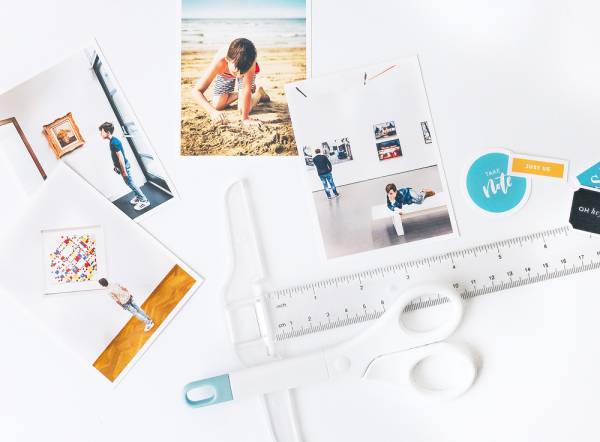
Do you have some photos that just aren’t looking as good as you hoped they would when you snapped them? Elif has 3 helpful tips on how to digitally adjust them to fix underexposure, remove unwanted items and changing perspective.… Read More ...
Custom Fabric Covered Notebook
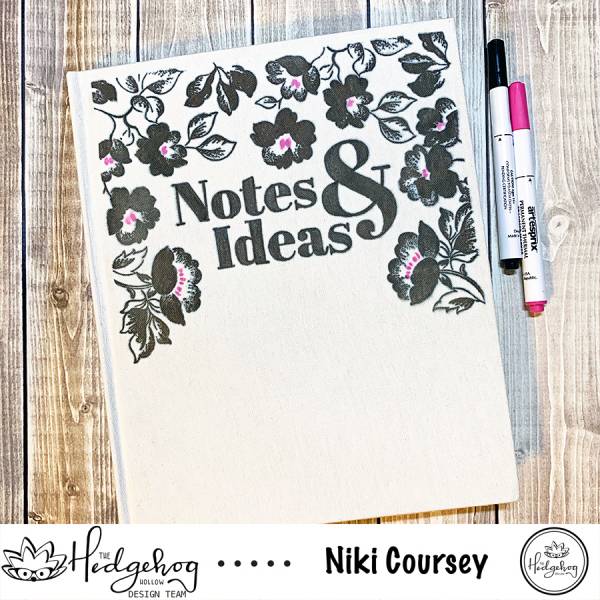
This is a great way to create a custom cover for a notebook, planner, journal or scrapbook. Niki printed, stamped and colored her design on copy paper then used the Cricut Easypress to transfer it to the cover of a … Read More ...
Travel Layouts
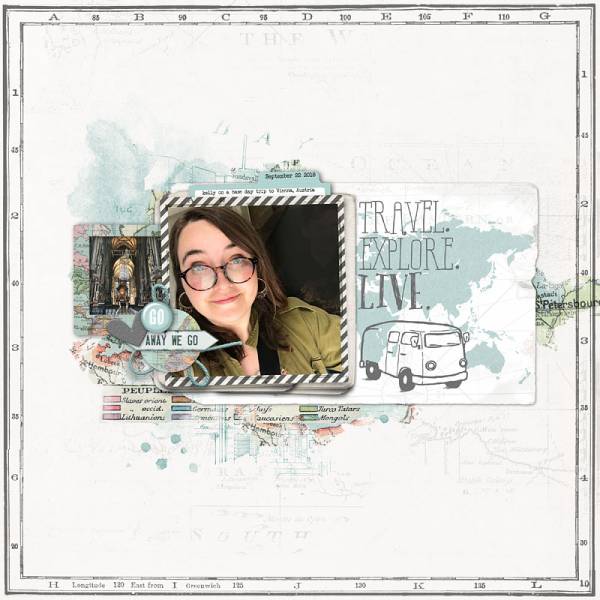
Maps, vehicles, signs and luggage all make for perfect accents on travel and vacation layouts. I particularly adore the VW bus from the new Far and Wide collection from Designer Digitals, it gives such a fun retro look. Katie Pertiet … Read More ...
How to Use Silhouette Sketch and Stitch Designs
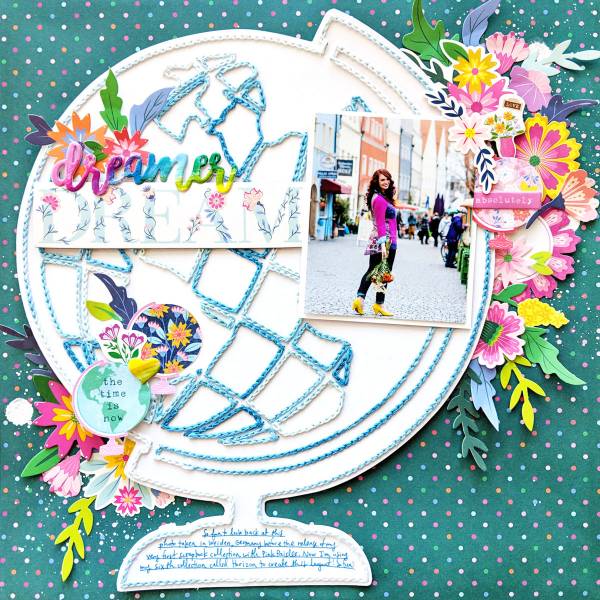
If you have the Silhouette Cameo 3 electronic die cutting machine along with the Pen Holder you can use the amazing new Sketch and Stitch designs from Page Evans. These files create stitching holes that you can use to add … Read More ...
Cactus Layout with Foiling

The Glimmer Hot Foil System from Spellbinders is a wonderful way to add trendy foiling to your paper crafting projects. Anna Komenda used some Cactus plates to create this fun and funky layout about her love of Cacti. She’s sharing … Read More ...
How to Create Digital Vellum
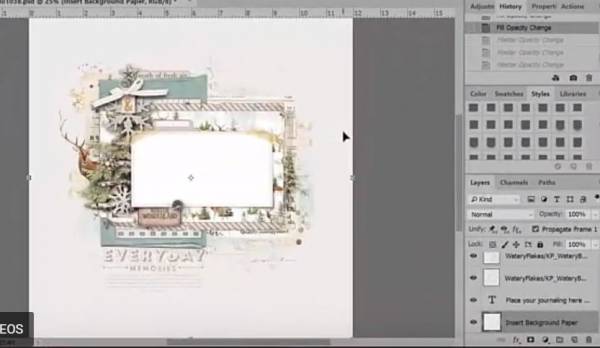
Vellum paper adds a soft touch to paper crafting projects. And did you know you can create this look digitally as well in Photoshop? Using a layered digital scrapbook template you can turn down the opacity on layers to get … Read More ...
Review: Epson Expression Photo HD XP-15000 Printer
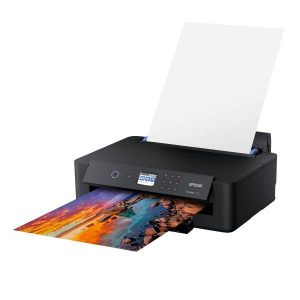
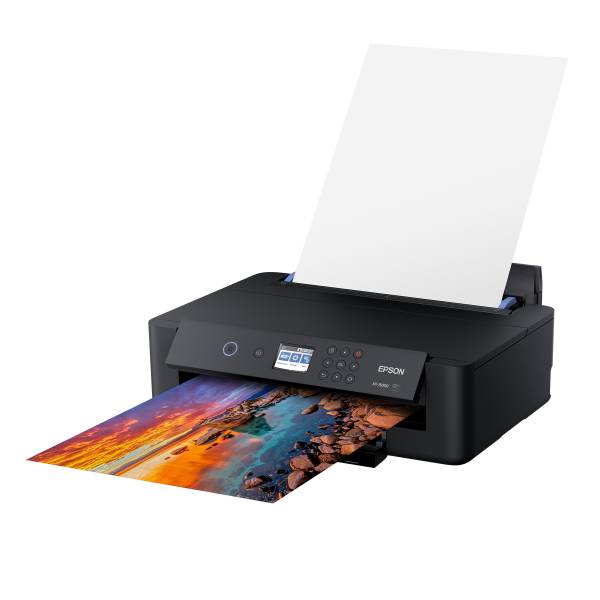
I recently had the chance to try out the new Expression Photo XP-15000 printer from Epson and wow, was I blown away by the quality of photos and papers I printed! Many times in the past I’ve been a bit … Read More ...
Photographing Autumn Colors
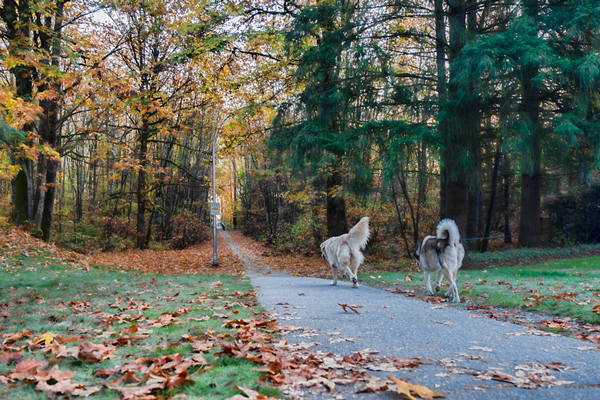
Rae has some tips for capturing those amazing fall colors this time of year. Tree, leaves and woodland areas make perfect backdrops for Autumn photography to include in your fall scrapbook layouts.
Visit the The Lilypad for more info.
-Heather… Read More ...
How to Get Better Portrait Photos
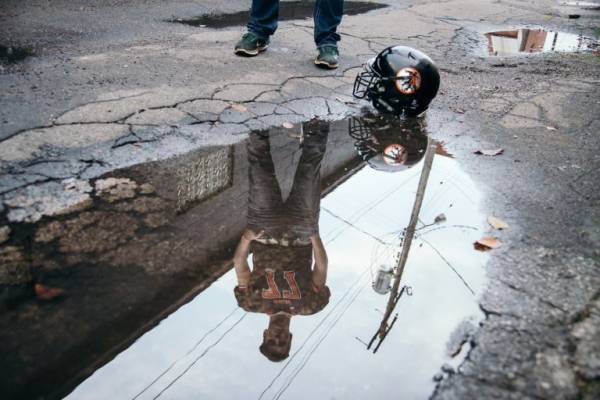
Wanting to get better portrait shots? The Creative Live blog has 5 great tips from posing, lights and flash suggestions and more to help you capture those special people in your life.
Visit their blog for more info.
-Heather… Read More ...
How to Combine Photos for a Timelapse
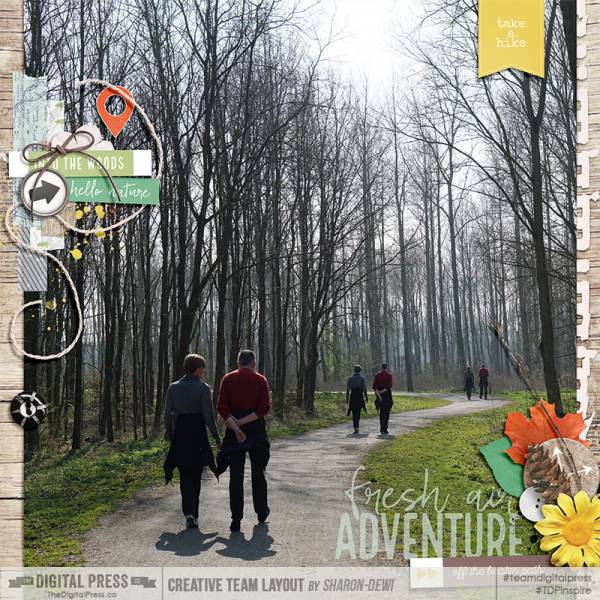
By digitally combining multiple photos Sharon-Dewi got a fantastic scene for this scrapbook layout. By merging them together it looks like a timelapse photo. How cool! She’ll show you how to use Photoshop CC for this technique.
How to Design Your Die Cut Files
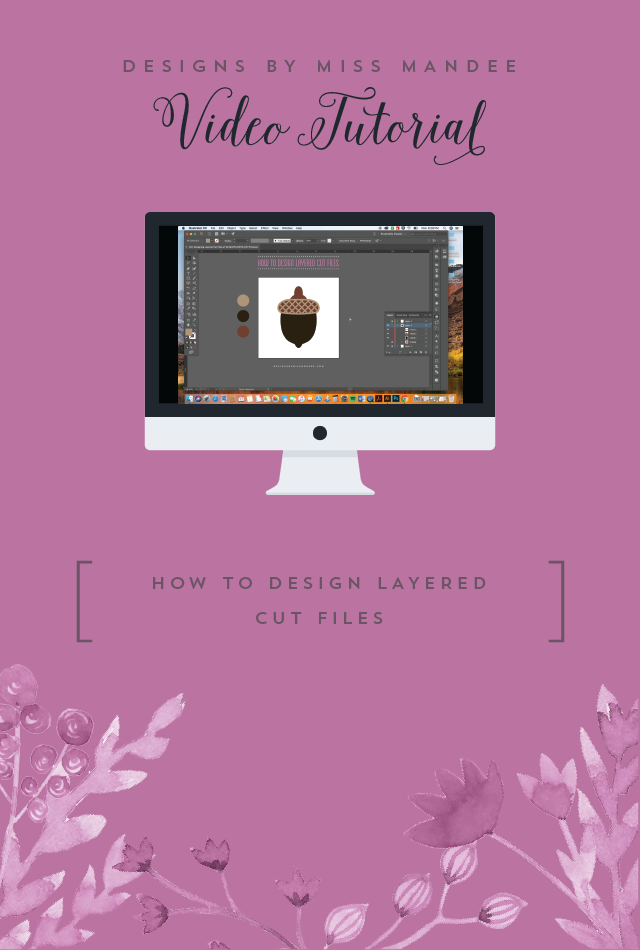
Do you make your own die cut files or do you want to learn? Miss Mandee has some great tutorials for learning how. In her new tutorial using Adobe Illustrator she’ll show you how to make more complex layered cut … Read More ...
Bulk Upload Patterns into Silhouette
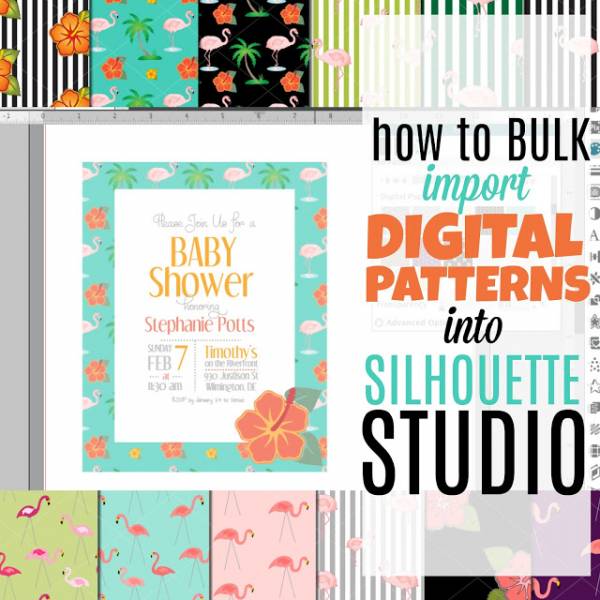
When you purchase digital images and pattern papers they usually come in packs. Silhouette allows you to be able to upload and use digital images and papers and they work great in conjunction with die cut shapes. If you haven’t … Read More ...
Travel Hybrid Layout
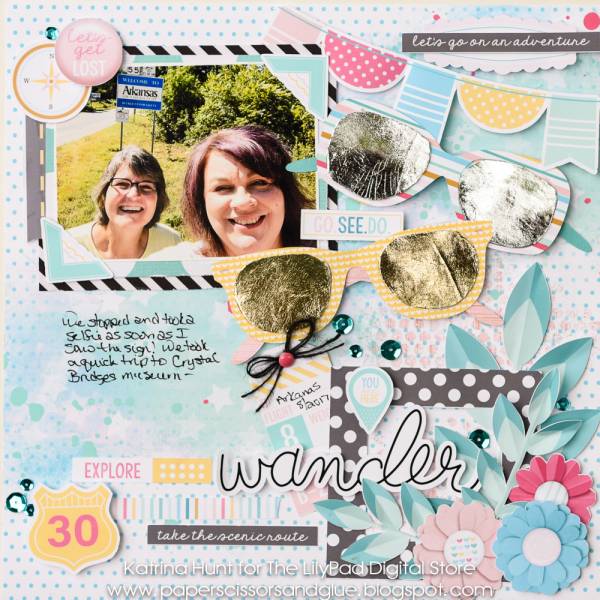
Katrina made this cheerful travel layout using a combo of real pattern papers and digital images she print and die cut. She filmed a video showing how she put her hybrid page together.
How to Recolor Elements in Photoshop
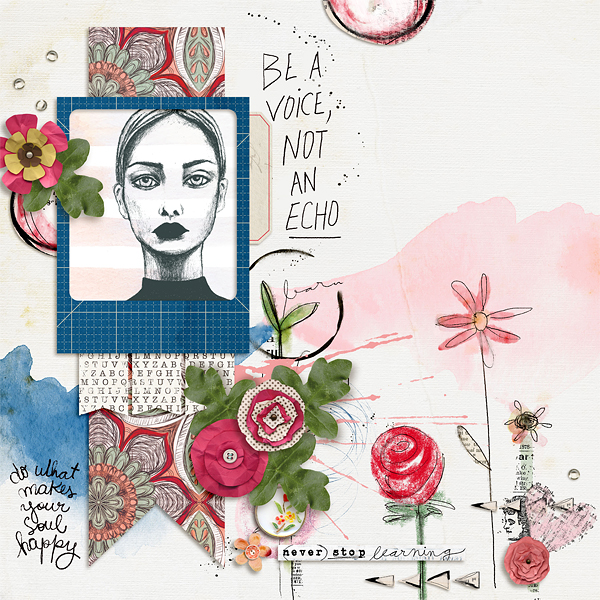
If you’ve got some digital elements you like to add to your layout but they aren’t quite the right shade or hue for your project you can change the color. Judie has some simple tips on how to recolor images … Read More ...
How to Use Attach in Cricut Design Space
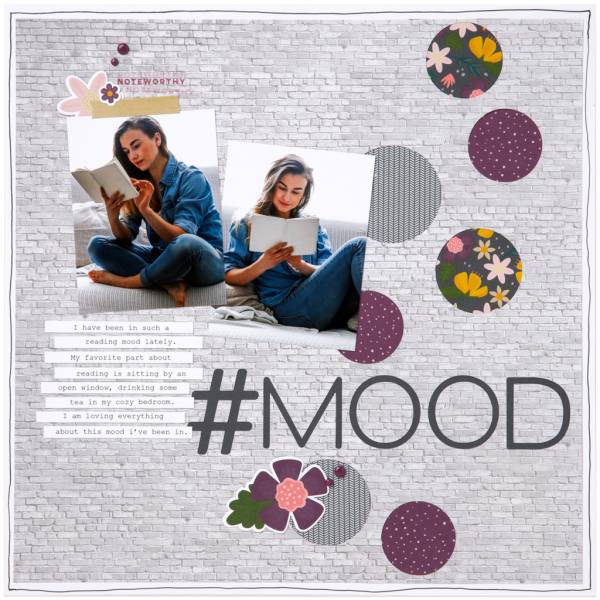
Learn how to use Attach in Cricut Design Space to create negative die cut openings that you can place pattern paper behind, instead of layering on front. It gives a cool different layering dimension.