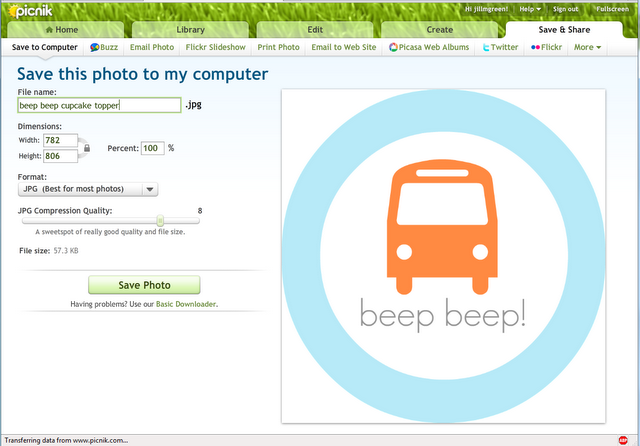
Check out this tutorial over on Handmade by Jill to learn how you can make your own printables using Picnik, the online editing software. No need for Photoshop! Click here to go to the tutorial.
Themes, layouts and inspirations
Check out this tutorial over on Handmade by Jill to learn how you can make your own printables using Picnik, the online editing software. No need for Photoshop! Click here to go to the tutorial.
[…] Tutorial | Making Printables Using Picnik – 1 freebie(s)? […]
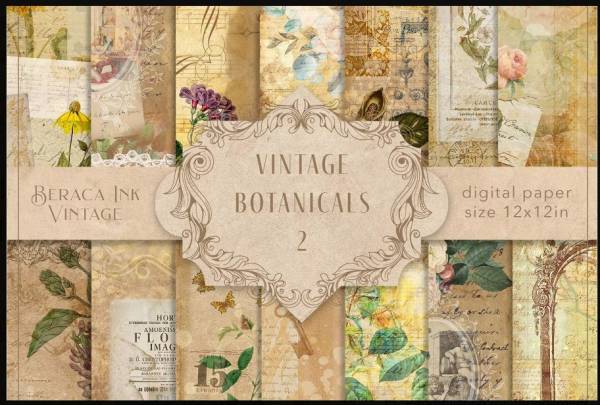
If you’re scrapbooking vintage family photos or creating a junk journal with an antique feel you’ll want to grab this collection of downloadable papers. There’s 14 different FREE high quality JPEG designs including florals, butterflies, text, book pages, keys, frames and so much more in layered and overlay designs with sepia tones and occasional pops of color. Use them on photo cards, Bridgerton party invitations, journals, planners, mini albums or any paper crafting project you want an old fashioned touch.
Visit Design Bundles to download them today.
-Heather
Photoshop takes a lot of time to design a page. With this pre-designed printable LO it’ll definitely save any scrapbooker/paper crafter a lot of time.