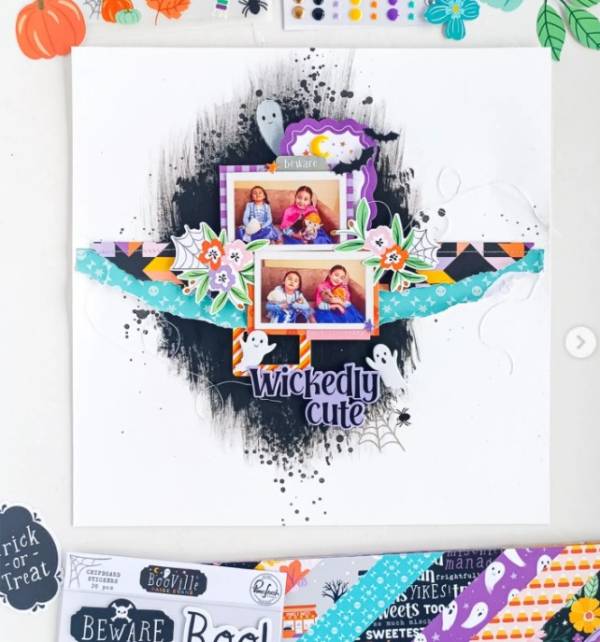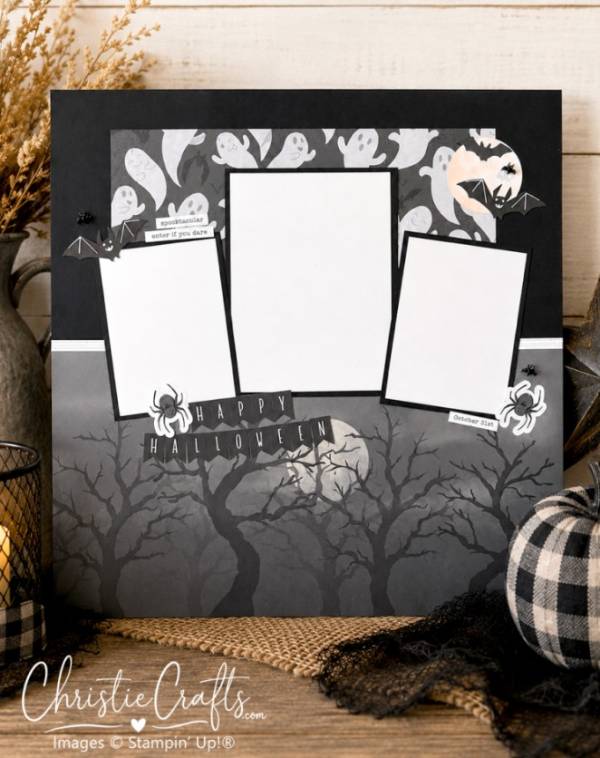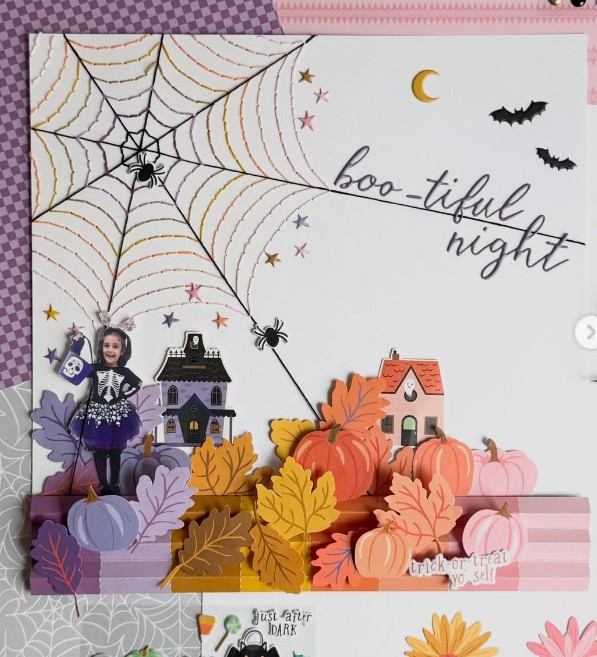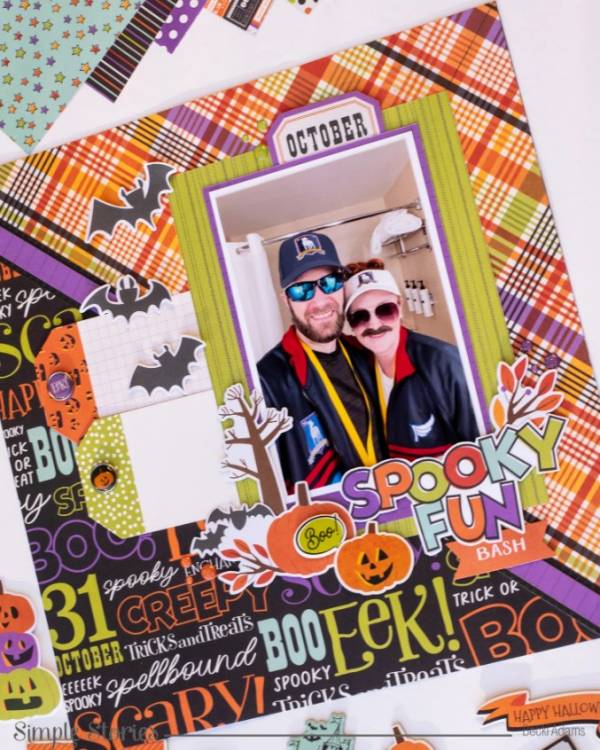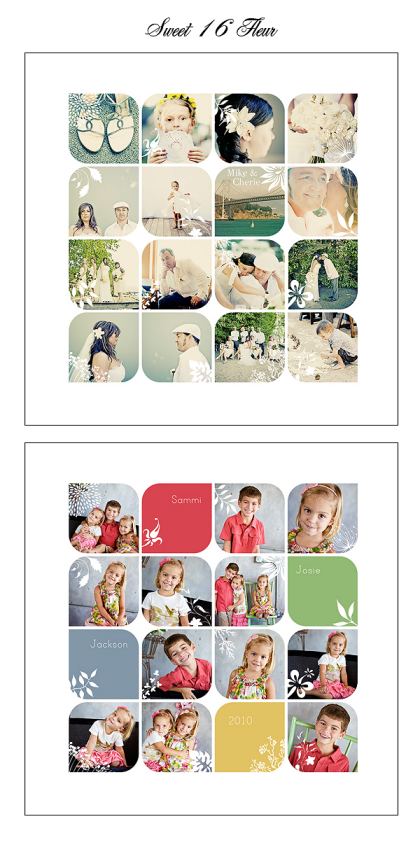
Erin Leigh Photoshares has a sweet giveaway! Three lucky winners will each win this Sweet 16 Fleur template from Design Aglow. It’s perfect for photographers and scrapbookers! Click here to go to giveaway. Hurry! Entries close today February 23rd.
Have you read?
Digital Scrapbooking Is Back: 12 Apps for Creating Scrapbook Pages on Your iPad
Digital scrapbooking is having one of those lovely full-circle moments. What began years ago with downloaded clip art, chunky desktop software and carefully arranged photo grids has returned with a much fresher look-and this time, we can create the whole thing from the sofa with an iPad balanced on our knees.
Honestly, I understand the appeal. I adore traditional paper scrapbooking, but there are evenings when getting out the paper trimmer, adhesive, embellishment boxes and that collection of patterned paper I am definitely going to organise one day feels like a project in itself. Digital scrapbooking lets us enjoy the storytelling, layering and creative play without leaving the dining table looking as though a craft shop has exploded across it.
The new digital scrapbook trend is less about perfectly coordinated page kits and more about personality. Think digital film strips, torn-paper edges, handwritten notes, scanned ticket stubs, postage stamps, doodles, vintage textures and photographs arranged to look slightly imperfect. These modern scrapbook layouts often feel like a cross between a memory album, a travel journal and the collages we used to make from magazines.
Canva scrapbook templates have helped bring the craft to a new generation, while iPad scrapbooking apps make it wonderfully easy to layer photographs, digital stickers, handwriting and journaling with an Apple Pencil. Pages can be kept entirely digital, shared with family or printed and slipped into a traditional album. That last option is especially useful when you want the convenience of digital design but still love having something tangible to hold.
Why Digital Scrapbooking Is Coming Back
Most of us now have thousands of photographs sitting on our phones. There are birthdays, family dinners, holidays, pets, grandchildren, half-finished DIY projects and fifteen nearly identical photographs of the dog refusing to look at the camera.
Digital scrapbooking gives those photographs somewhere meaningful to live.
It also suits the way we craft now. We might create a page while waiting at an appointment, add journaling later and send the finished layout to a family member that evening. There is no need to wait until we have printed photographs or found the elusive packet of alphabet stickers hiding somewhere in the craft room.
The current nostalgia trend has also brought back photo booths, disposable-camera effects, film strips, postage stamps and handwritten diary pages. All of those elements work beautifully in a digital scrapbook, especially when combined with family photographs and personal journaling.
Canva Scrapbook Maker
Create a Digital Scrapbook with Canva
Canva is probably the easiest starting point for anyone who has never tried digital scrapbooking before. Search for “scrapbook” inside Canva and you will find templates for travel memories, birthdays, holidays, anniversaries, recipe books and family albums.
You can drag photographs directly into frames, change the fonts and colours, add torn-paper graphics, tape, flowers, labels and handwritten-style elements. Canva is also particularly useful for creating the digital film strip layouts and vertical photo collages currently appearing across social media.
Finished pages can be downloaded as images, shared digitally or saved as print-ready PDFs. You can also invite family members to collaborate, which could be rather lovely for a milestone birthday album or a collection of family recipes.
Project Life App
The Project Life App is ideal for scrapbookers who want to document everyday life without spending hours arranging every element. Its pocket-style layouts are based on the familiar Project Life system, combining photographs with journaling cards in clean, structured grids.
You can import photos, crop and rearrange them, change backgrounds, add text and organise finished pages into separate albums. It is a sensible choice for weekly family pages, baby albums, travel journals and year-in-review scrapbooks.
This is also one of the better options for traditional scrapbookers moving into digital memory keeping because the layouts still feel like recognisable scrapbook pages rather than social media graphics.
Adobe Express
Make a Digital Scrapbook with Adobe Express
Adobe Express offers a lovely middle ground between quick templates and more detailed design work. You can begin with a collage or scrapbook template, replace the sample photographs and then build up your page with text, decorative graphics and background textures.
It is particularly handy for creating polished travel scrapbooks, wedding albums and family history pages. The editing tools feel approachable, but there is still enough control to make a design look personal rather than completely template-driven.
Try combining old family photographs with scanned handwriting, certificates, postcards or recipe cards. Those small personal details are what stop a digital page from feeling too neat and computer-generated.
Photoshop Express Scrapbook
Create Scrapbook Layouts with Photoshop Express
Photoshop Express includes a scrapbook feature designed for creating digital journals and collages on a mobile device. It is a good choice when your photographs need a little attention before being placed into a layout.
You can edit the images, create cutouts, experiment with scrapbook-style arrangements and add text or decorative elements. This makes it especially useful for older photographs that may need cropping, brightening or colour correction.
I would choose Photoshop Express when the photographs are the stars of the page and you want to clean them up before adding the creative extras.
Goodnotes
Goodnotes may be known as a digital note-taking and planning app, but it can also become a wonderfully personal digital scrapbook. Create a blank notebook, import photographs and digital papers, then add handwritten journaling with an Apple Pencil.
The app supports reusable digital stickers, known as Elements, and additional sticker collections are available through the Goodnotes Marketplace. You can also import your own PNG stickers, labels, tape strips, flowers and ephemera.
Goodnotes is particularly lovely for travel journals, garden diaries, family recipe books and everyday memory keeping. Your handwriting remains part of the finished page, which gives the layout the warmth that highly polished templates sometimes lack.
Procreate
Procreate is for the scrapbooker who wants complete creative freedom. Instead of filling a template, you begin with a blank canvas and build the page using layers.
Photographs can be imported, resized, masked and arranged alongside hand-drawn illustrations, painted backgrounds, scanned ephemera and custom lettering. You can even create your own digital washi tape, stamps, brushes and paper textures.
There is more of a learning curve than Canva, but the results can be beautifully individual. Procreate is ideal for mixed-media-style scrapbook pages, art journals and layouts that combine photographs with drawing or painting.
Apple Freeform
Freeform is already available to many Apple users and is worth experimenting with before paying for another app. Its flexible canvas allows you to add photos, videos, drawings, scanned documents, links, sticky notes and text anywhere on the board.
The endless canvas makes it particularly good for family timelines, holiday memory boards, ancestry projects and large visual collections. You could create one board for an entire trip and continue adding photographs, maps, restaurant menus and little notes as you go.
It is not a traditional page-based scrapbooking app, but that lack of rules can be very freeing. It also works well for collaborative family projects because boards can be shared with other Apple users.
Mimo Digital Scrapbook
Download Mimo Digital Scrapbook
Mimo is a newer digital scrapbook app designed to make photographs look as though they have been placed into a handmade album. It provides ready-made templates that can be customised with photos, text, stickers and freehand drawing.
This is a lovely option for beginners who want that layered paper scrapbook appearance without building every page from scratch. Pages can be exported as images or videos, making them easy to save or share.
Mimo would be especially sweet for birthday memories, short holidays, friendship albums and quick family photo collections.
Nooka Scrapbook and Collage
Download Nooka Scrapbook and Collage
Nooka lets you create individual books and fill them with freeform scrapbook pages. Photographs can be layered with cutouts, sketches, handwriting and stickers, so the finished designs feel more like personal art journals than rigid photo grids.
I particularly like the idea of organising projects as books. You could have separate scrapbooks for holidays, family history, garden progress, recipes or even your dog’s adventures—Aloo would require several volumes, naturally.
This is one to try when you enjoy decorating every page and want to build a collection that feels like a little digital bookshelf.
Klora Scrapbook Collages
Download Klora Scrapbook Collages
Klora focuses on modern aesthetic collages and is a useful choice for quick, fashionable scrapbook layouts. It suits the current style of overlapping photographs, soft backgrounds, playful text and carefully placed digital stickers.
Use it for digital mood boards, friendship pages, concert memories, holiday highlights or those photo-dump-style collections that deserve something more permanent than a social media post.
It is particularly appealing when you want to experiment without committing to a large album. Start with one event or one favourite group of photographs and see where the page takes you.
Tomobook Digital Scrapbook
Download Tomobook Digital Scrapbook
Tomobook is made for building visual stories one page at a time. It supports photographs, videos, stickers, text, cutouts and multiple layers, with a shuffle option that can suggest different arrangements when you are stuck.
The ability to choose square, portrait or landscape pages makes it useful for both printable layouts and digital albums. You could create a traditional square scrapbook page, a vertical travel journal or a landscape family photo book.
This would be a handy app for holiday recaps, day-in-the-life pages and digital albums that include both still photographs and short video memories.
STCKRZ Pocket Scrapbook
Download STCKRZ Pocket Scrapbook
STCKRZ leans wholeheartedly into the playful side of modern digital scrapbooking. It includes stickers, glitter, washi tape, frames, textures, handwriting-style details and retro photo strips.
The overall style is bright, nostalgic and intentionally a little overdecorated—in the best possible way. It is perfect when you want your page to look like a sticker-covered diary rather than a formal photo album.
Try it for concert pages, girls’ weekends, grandchildren’s artwork or a gloriously sentimental collection of old family snapshots.
Elori Scrapbook Collage Maker
Download Elori Scrapbook Collage Maker
Elori combines collage templates with background removal, filters, textures, stickers, frames, drawing tools and decorative fonts. The cutout feature is particularly useful for the layered scrapbook look, where people, pets and objects appear to have been carefully snipped from a photograph.
It is a good option for creating pages with lots of depth and movement. Layer a photo cutout over a torn-paper background, tuck in a few flowers or tickets and finish with a handwritten caption.
This style works beautifully for celebrations, travel photographs and personality-filled pet pages.
How to Make Digital Scrapbook Pages Feel Handmade
The secret is not making everything too perfect.
Allow photographs to overlap slightly. Turn one image a few degrees instead of lining up every edge. Layer torn-paper textures behind your photos and add tape, stitching, ink marks or handwritten journaling.
You can also photograph or scan real craft supplies and use them digitally. A scrap of your grandmother’s fabric, a child’s drawing, an old envelope, pressed flowers, handwritten recipes or a faded ticket can become part of the page.
These meaningful pieces will always be more interesting than a perfectly matched set of generic digital embellishments.
Easy Digital Scrapbook Ideas to Try First
A digital film strip featuring five photographs from an ordinary family day is an easy place to begin. Add the date, location and one or two sentences about what was happening.
You could also create a monthly highlights page, a grandchild’s funny sayings album, a garden progress journal, a recipe scrapbook, a collection of inherited family photographs or a pet album.
For a hybrid project, design your page digitally and print it as a 12-inch square, an A4 page or a smaller insert for a pocket scrapbook. You can then add real stitching, buttons, ribbon or handwritten notes after printing.
That combination of digital convenience and traditional crafting may be my favourite approach of all.
More Scrapbooking Inspiration
For more traditional page ideas, templates and memory-keeping inspiration, browse the CraftGossip Scrapbooking archives.
You can also explore the CraftBits Scrapbooking projects for handmade albums, scrapbook layouts, paper embellishments and creative ways to preserve family photographs.
Digital scrapbooking does not have to replace our beloved paper supplies. It simply gives us another way to turn the photographs hiding on our phones into stories we will actually return to. Whether you begin with a Canva template, an Apple Pencil and a blank Goodnotes page, or a dedicated iPad scrapbook app, the important part is recording the little details while you still remember them.